

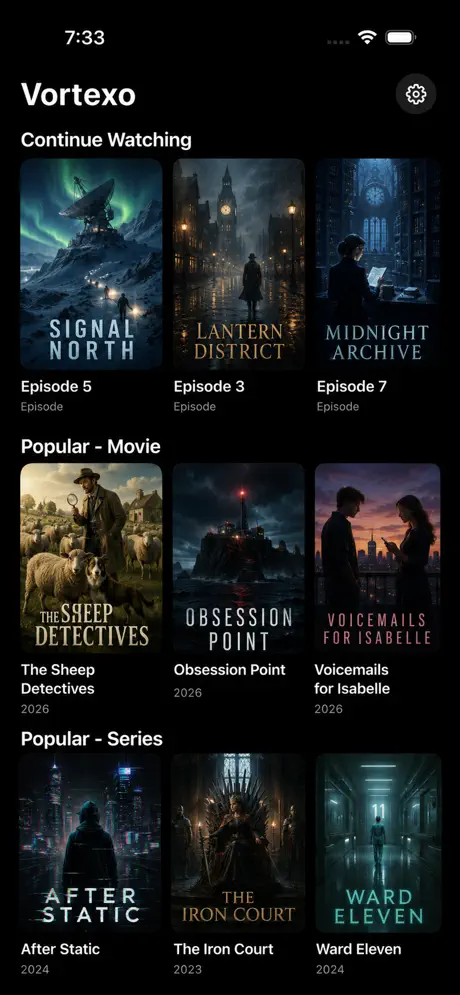
Native media center for Apple TV

Vortexo

Browse your own Plex server, user-provided Live TV sources, music, and Vortexo Server instance from one focused tvOS app built around the Siri Remote and couch-distance scanning.

  • tvOS 26+
  • SwiftUI
  • User-provided sources
  • 4K/HDR with Pro
Plex Home, libraries, search, profiles, watch state.
Live TV Plex DVR, compatible playlists, and guide data.
Playback Audio tracks, subtitles, resume, skip markers.
Server Personal libraries, artwork, metadata, trailers.
tvOS Top Shelf, Siri intents, deep links, focus memory.

Current app features

Built for personal media libraries that do more than sit in one place.

Vortexo brings together Plex libraries, Live TV providers, Vortexo Server imports, and music without making every source feel like a separate app.

Plex browsing

Home rows that stay useful.

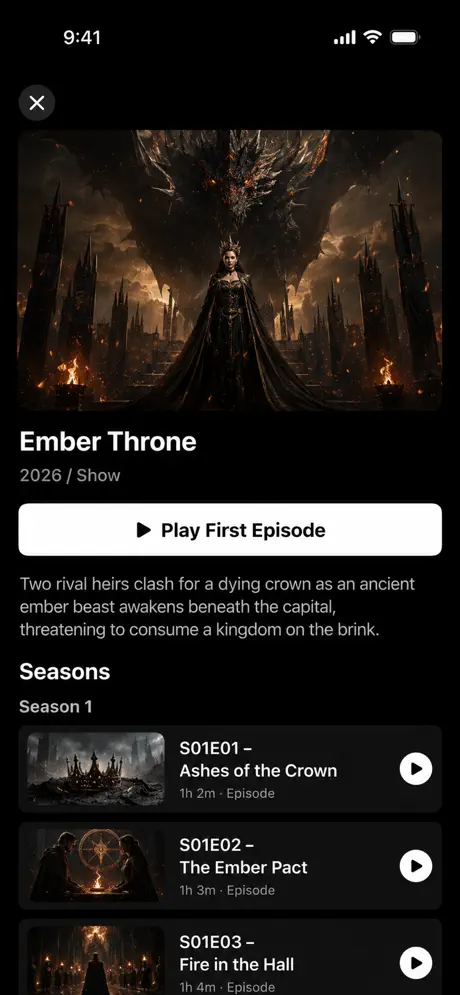
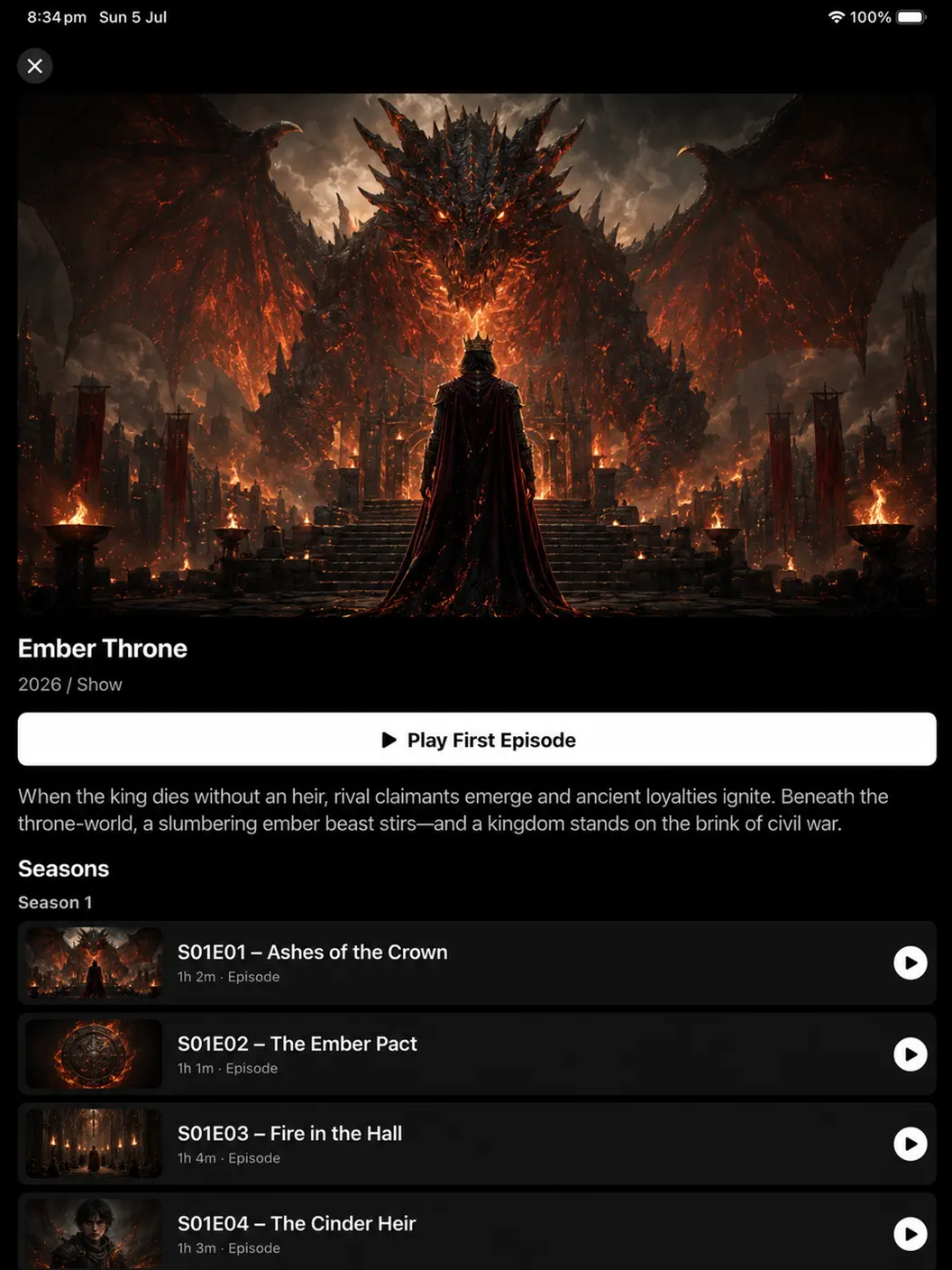
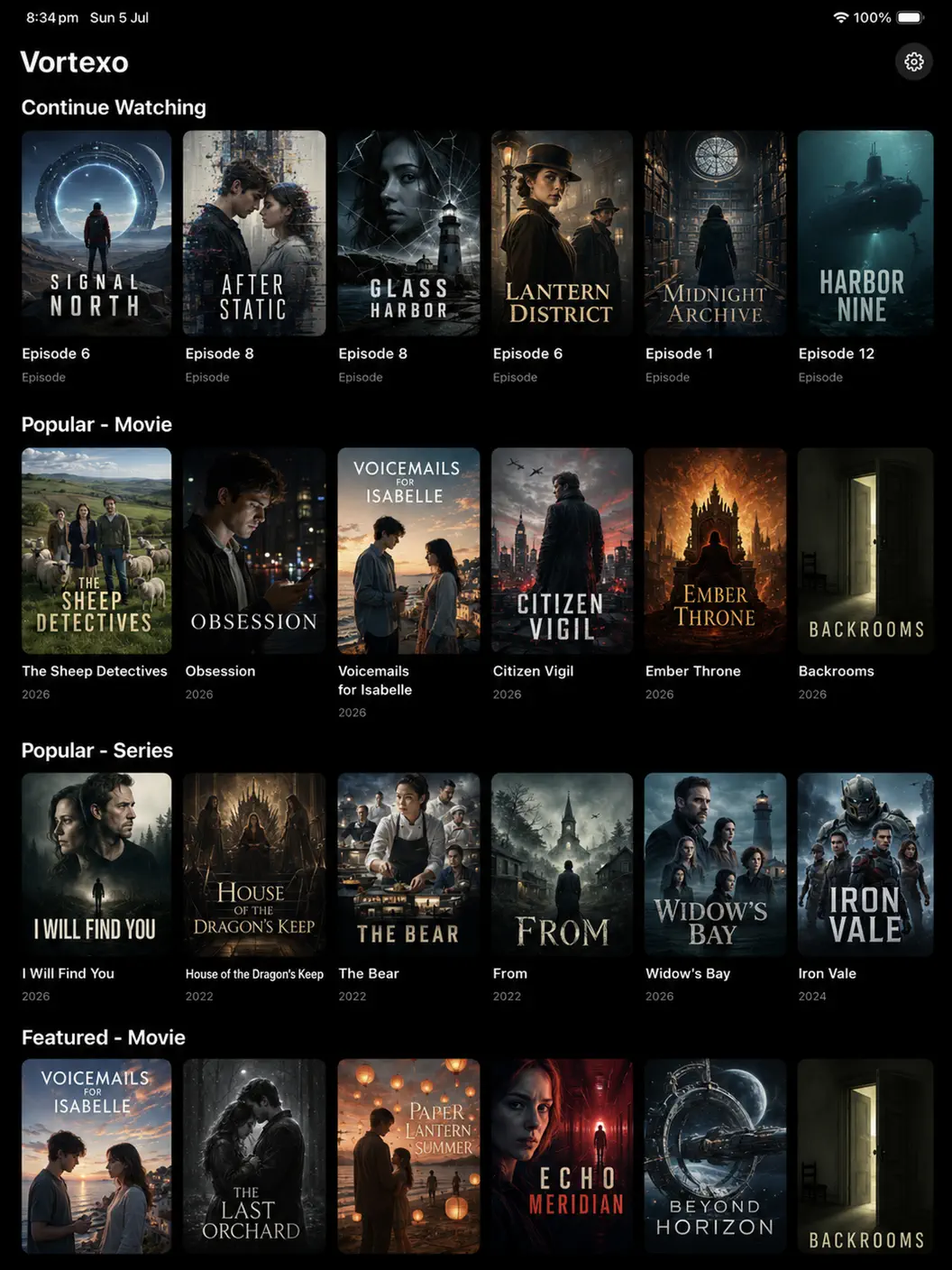
Browse Plex Home, libraries, Continue Watching, public catalog rows, watchlist, search, cast, detail pages, trailers, and profile-specific watch history.

Live TV

Several ways to tune in.

Add Live TV sources you are authorized to use, including Plex DVR, compatible playlist URLs, and XMLTV EPG data. Use guide or channel-grid layouts.

Playback

Control where it matters.

Choose audio and subtitle tracks, set language preferences, tune subtitle size, color, position, and delay, resume playback, and use post-video flow.

Vortexo Server

A full source, not a side feature.

Connect your own Vortexo Server for library metadata, trailer metadata, artwork enrichment, Live TV channels, and cleaner Home rows.

Music

Plex music on the big screen.

Browse albums, artists, playlists, lyrics, queue views, visualizers, and a tvOS Now Playing screen with system remote command support.

Apple TV

Native system touches.

Top Shelf Continue Watching, Siri play/search intents, app deep links, profile picker, focus restoration, cache controls, and dark Liquid Glass styling.

Screenshots

A quiet interface for a loud media stack.

The app favors large artwork, readable metadata, and predictable focus movement instead of crowded utility panels.

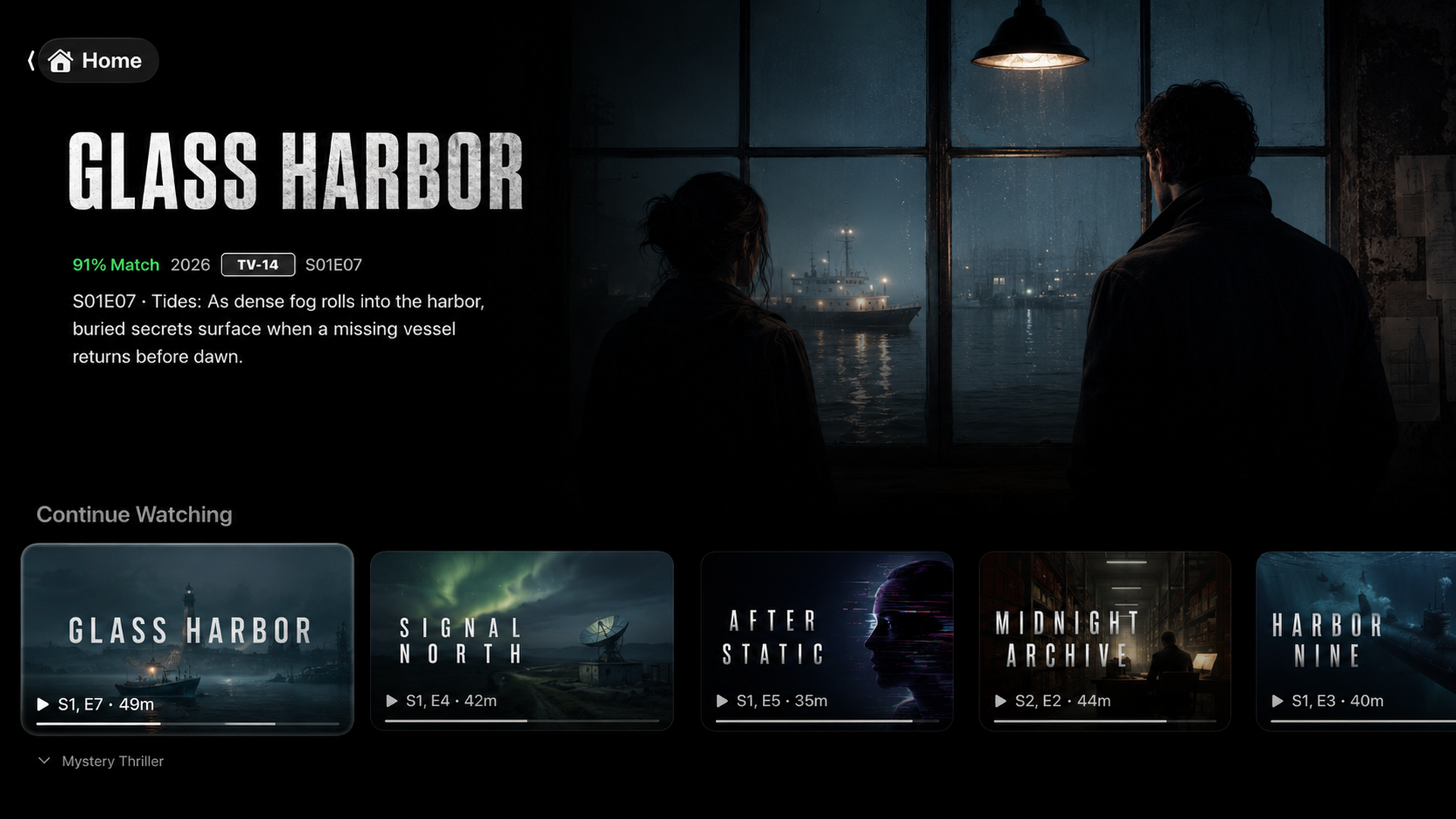
Vortexo Continue Watching row on Apple TV
Continue Watching and Home shelves use wide artwork that is easy to scan from across the room.
Vortexo profile picker
Plex Home profile switching, including launch-time profile selection.
Vortexo trailer row
Trailer and metadata rows sit inside the same browsing model as your library.
Vortexo settings screen
Settings cover playback, Live TV, servers, libraries, cache, Pro, and privacy.

Sources

Your configured services in one route.

Plex Media Server Movies, shows, music, metadata, watch state, profiles, and Live TV DVR sources.
Vortexo Server Libraries, trailer imports, artwork, metadata, and Live TV channels from your configured server.
Live TV Sources User-provided playlist URLs and XMLTV guide URLs for channels you are authorized to access.
Plex Discover Catalog rows, hero artwork, trailer discovery, and richer browsing when your Plex account supports it.

Vortexo Pro

Unlock the heavier media features.

Pro is available through App Store monthly, yearly, and lifetime options. Pricing and billing details are shown by Apple before purchase.

  • 4K and HDR playback unlocks.
  • Vortexo Server integration and cleaner Home rows.
  • Merged Plex servers, configured source selection, and smarter playback routing.
  • Trakt Up Next, trailers, subtitles, and improved post-play continuity.
  • Premium Live TV rows and source-aware Live TV improvements.
Vortexo detail screen with playback controls
Vortexo does not provide, host, sell, or distribute media content. It connects only to Plex servers, Live TV sources, Vortexo Server instances, and other services that you choose to configure and are authorized to access. Vortexo is not affiliated with or endorsed by Plex, Inc.